
DBLAN Presents
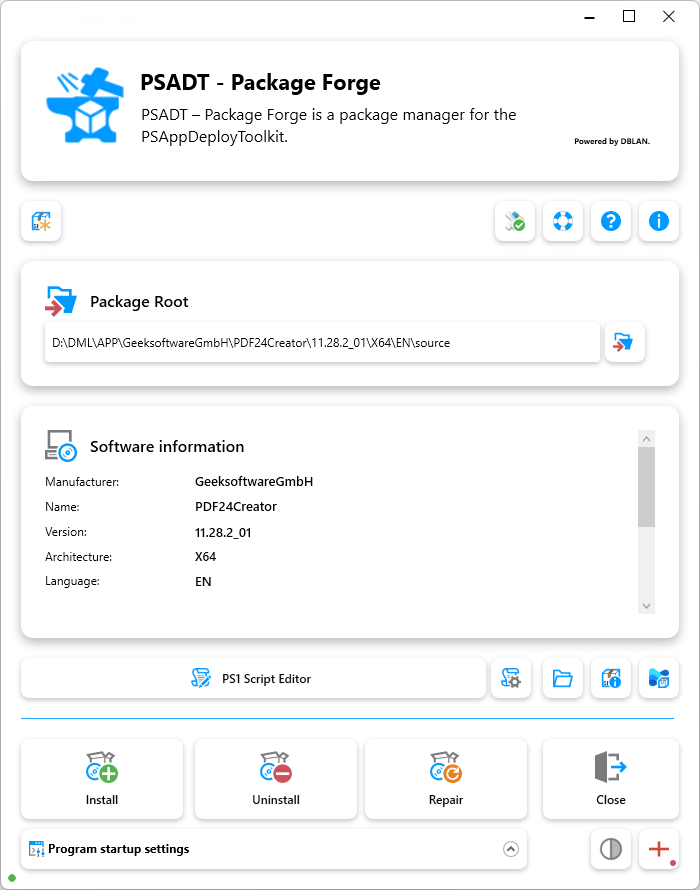
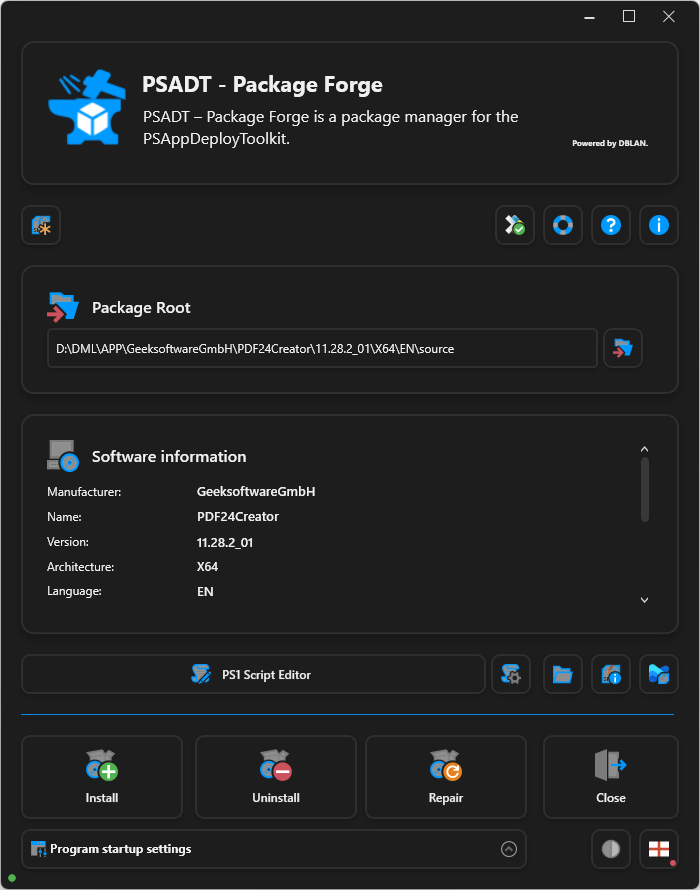
PSADT-Package Forge
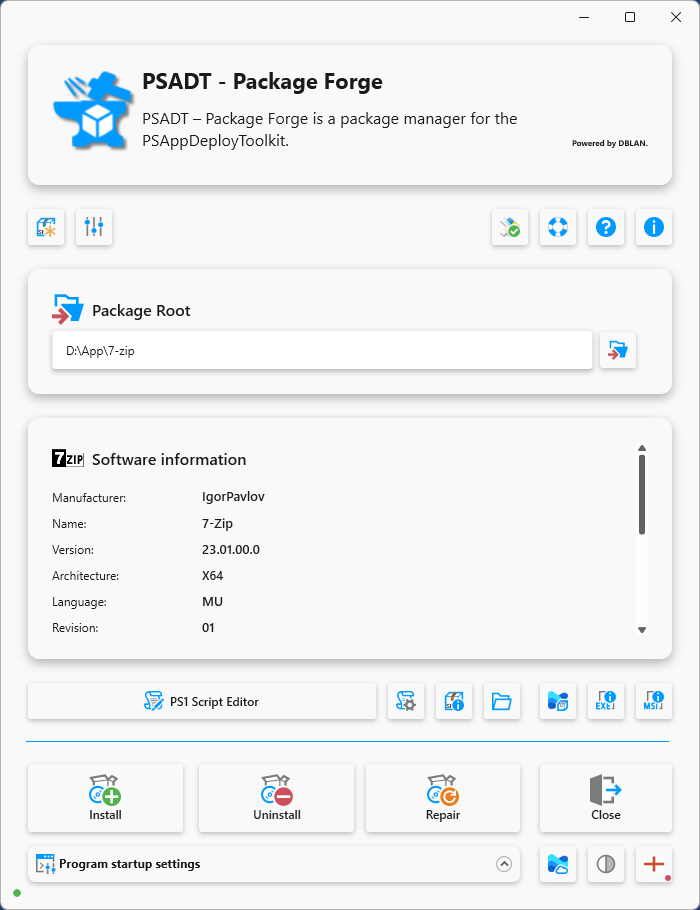
Create PSAppDeployToolkit packages with unprecedented ease -in a structured, efficient, and completely reliable manner.
PSADT – Package Forge offers an efficient and modern solution for anyone who wants to create PSAppDeployToolkit packages quickly, reliably, and to the highest quality standards. The intuitive user interface and automated workflows make it possible to generate professional deployments in no time at all – without any time-consuming or complex scripting processes.
This not only simplifies packaging considerably, but also makes it clearly structured, reproducible, and consistently high-quality. The result is PSAppDeployToolkit packages that are impressive both technically and organizationally in any corporate environment.

Script Editor
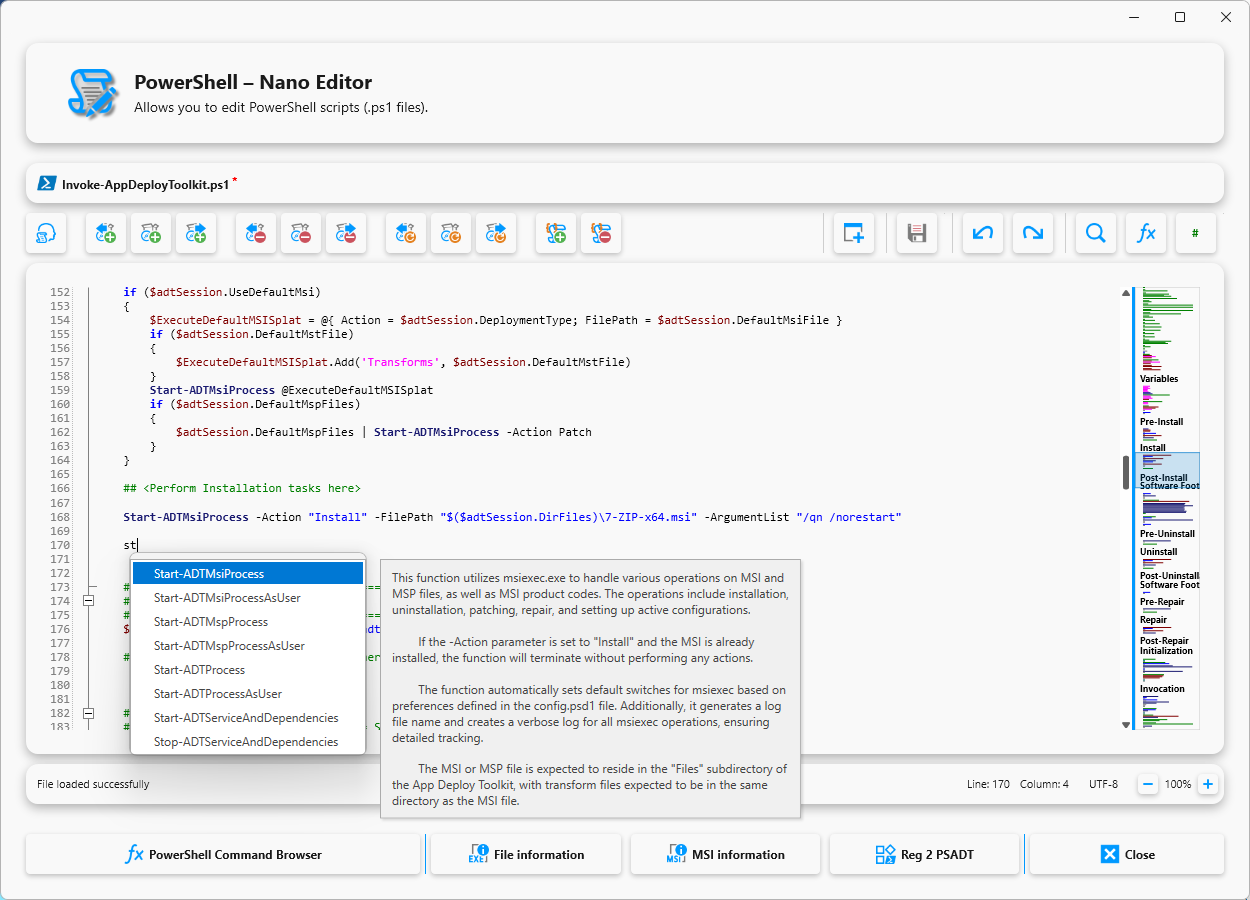
A modern editor with syntax highlighting and integrated IntelliSense support for efficient and error-free work.

Command Browser
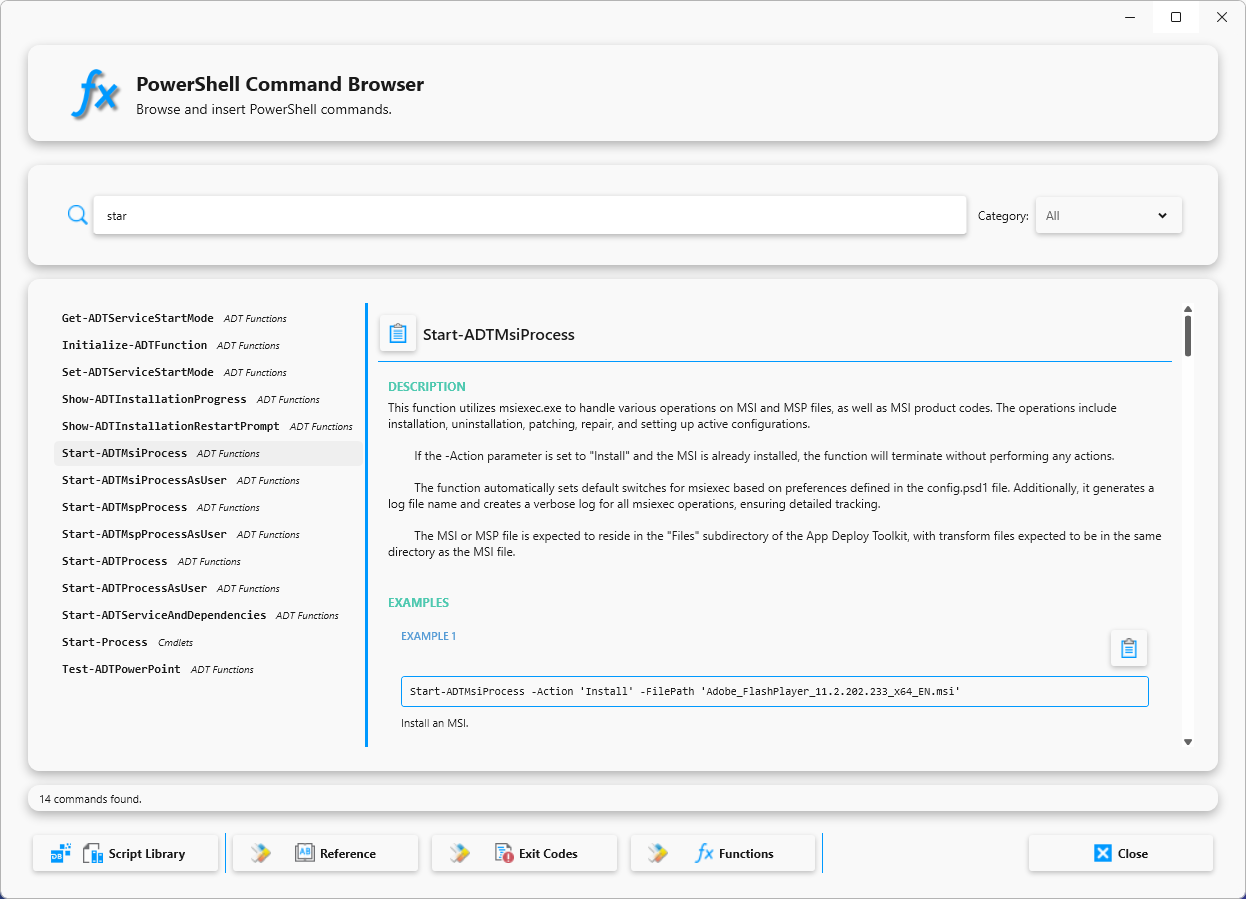
The Command Browser clearly displays all available PSADT PowerShell functions, including documentation and examples.

Detection Rules
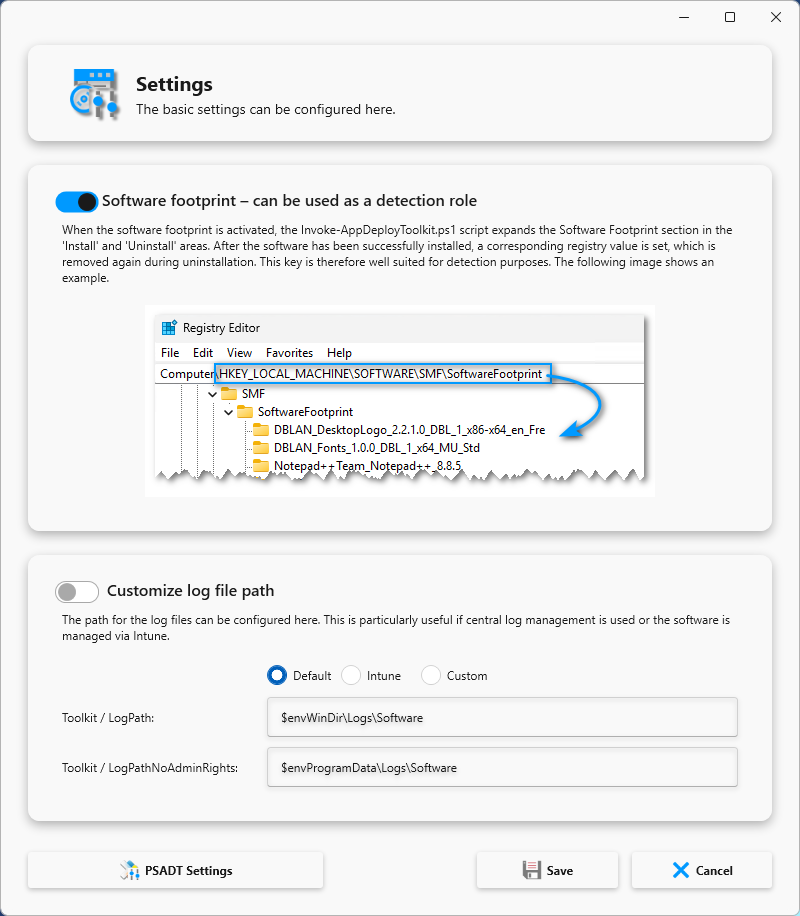
A software footprint is automatically created,
which can be used as a detection rule.

Package Wizard
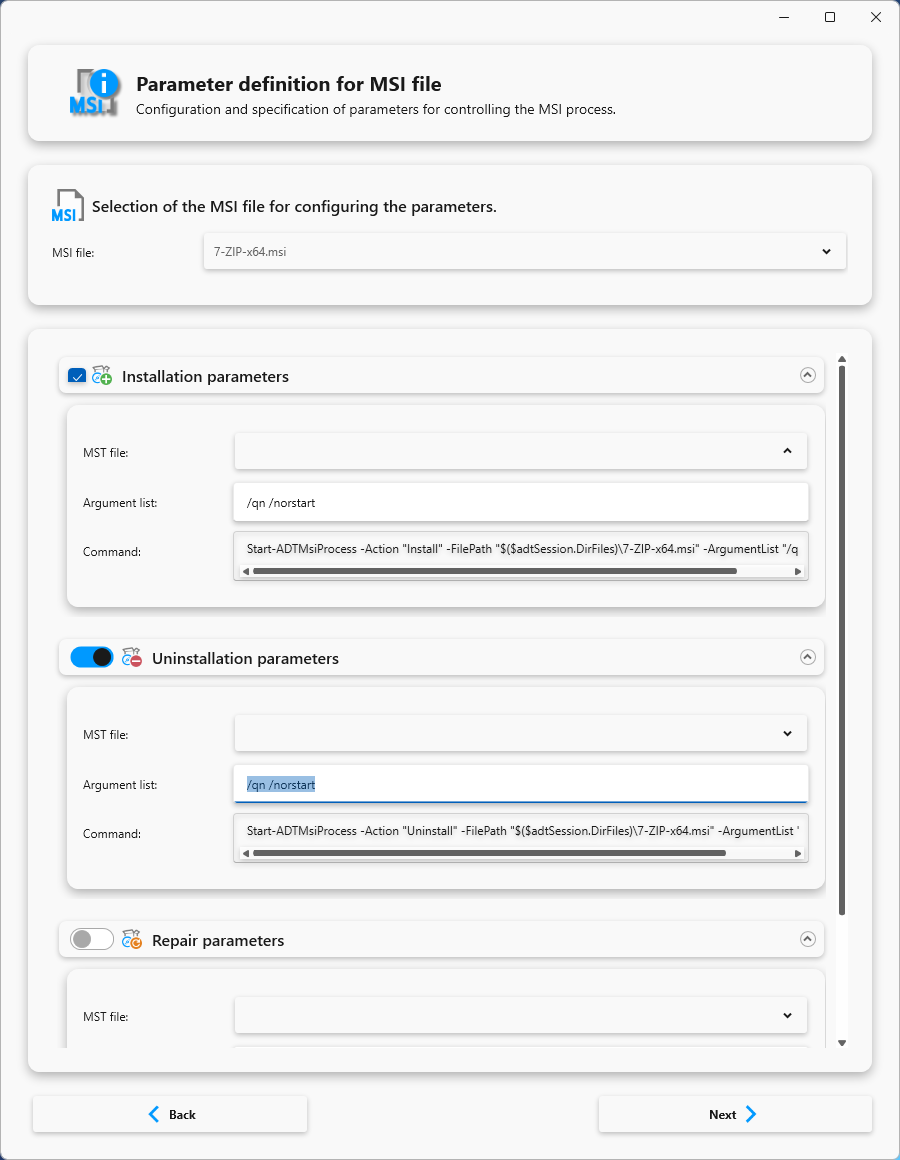
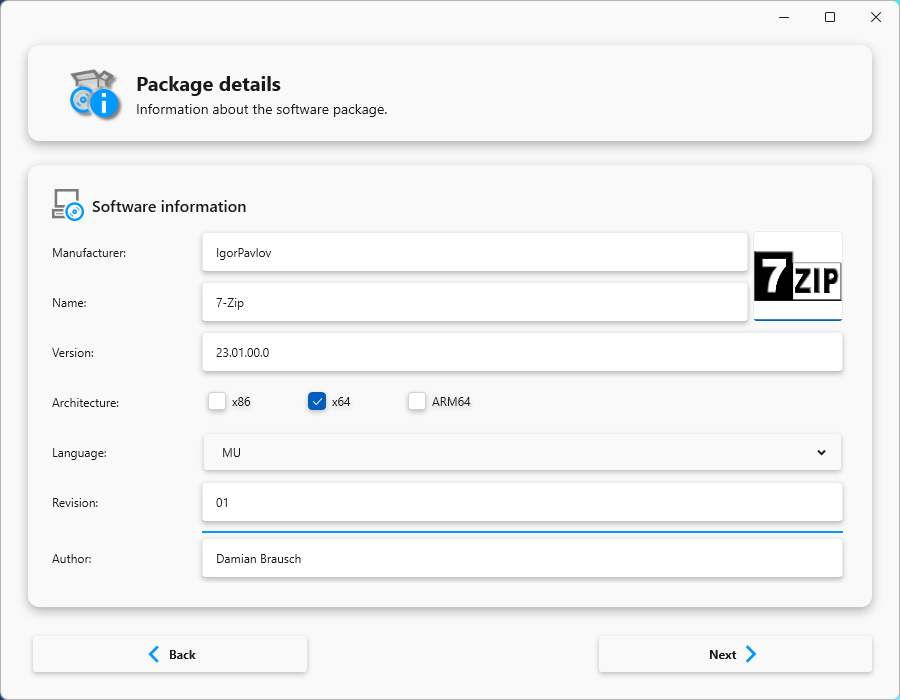
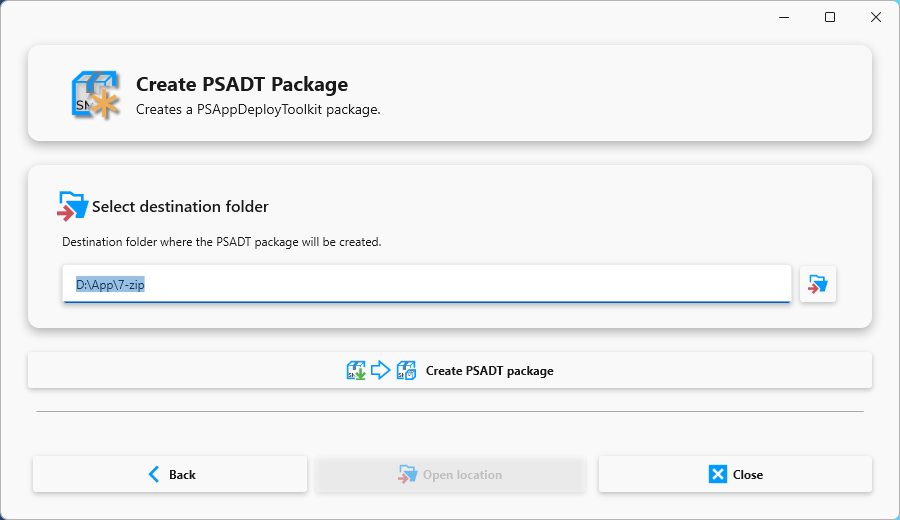
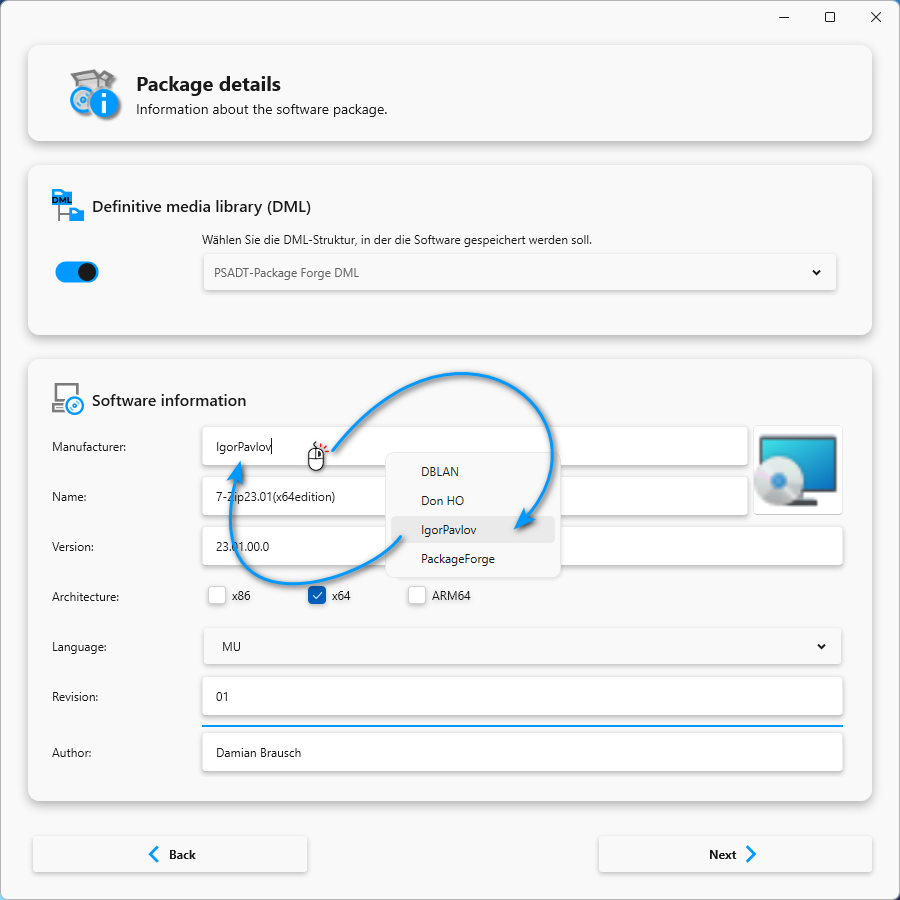
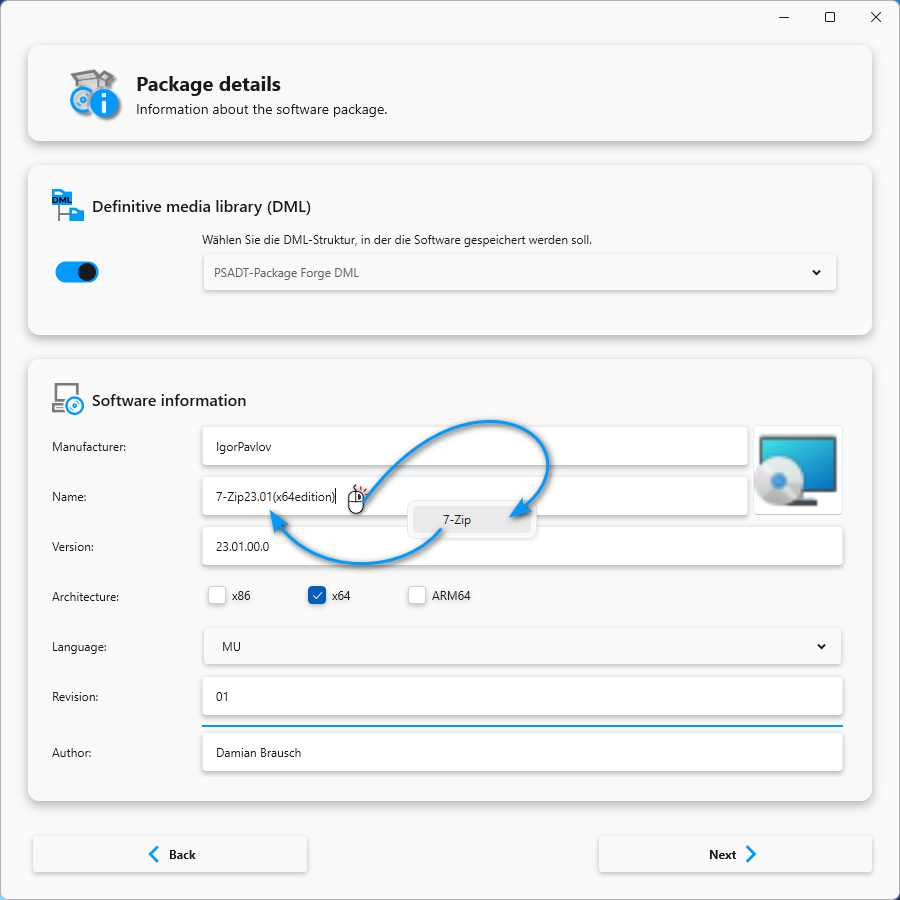
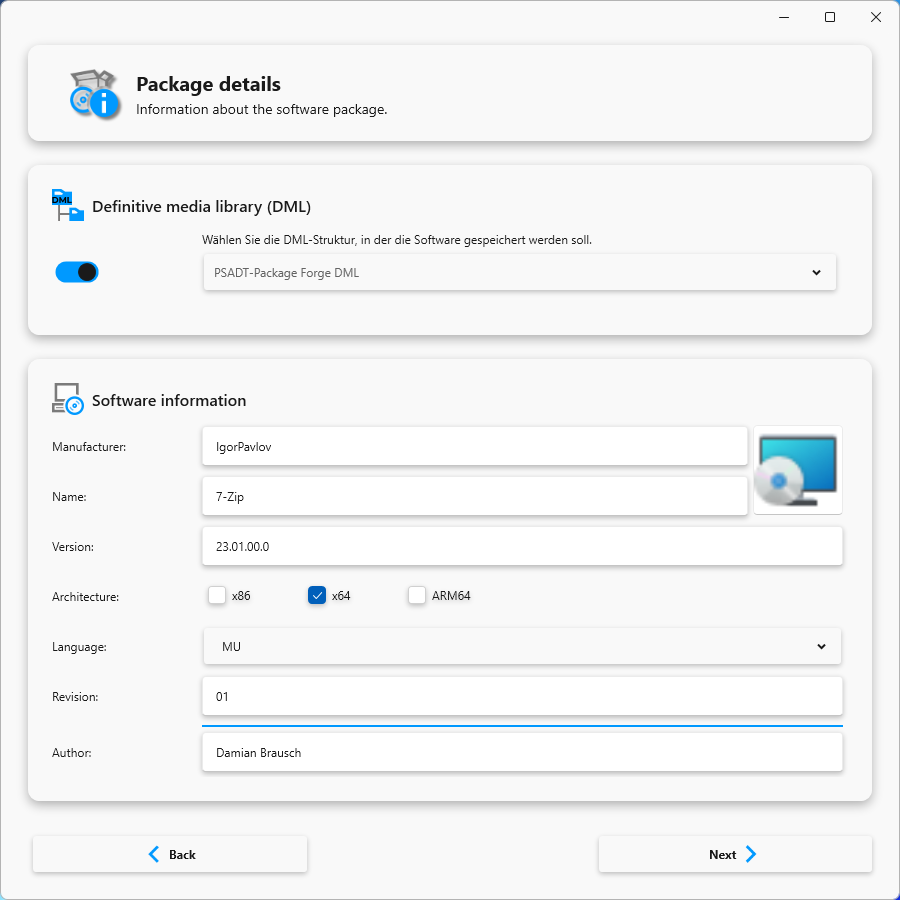
The Package Wizard helps you create new packages and guides you step by step through the entire process.

Intune Integration
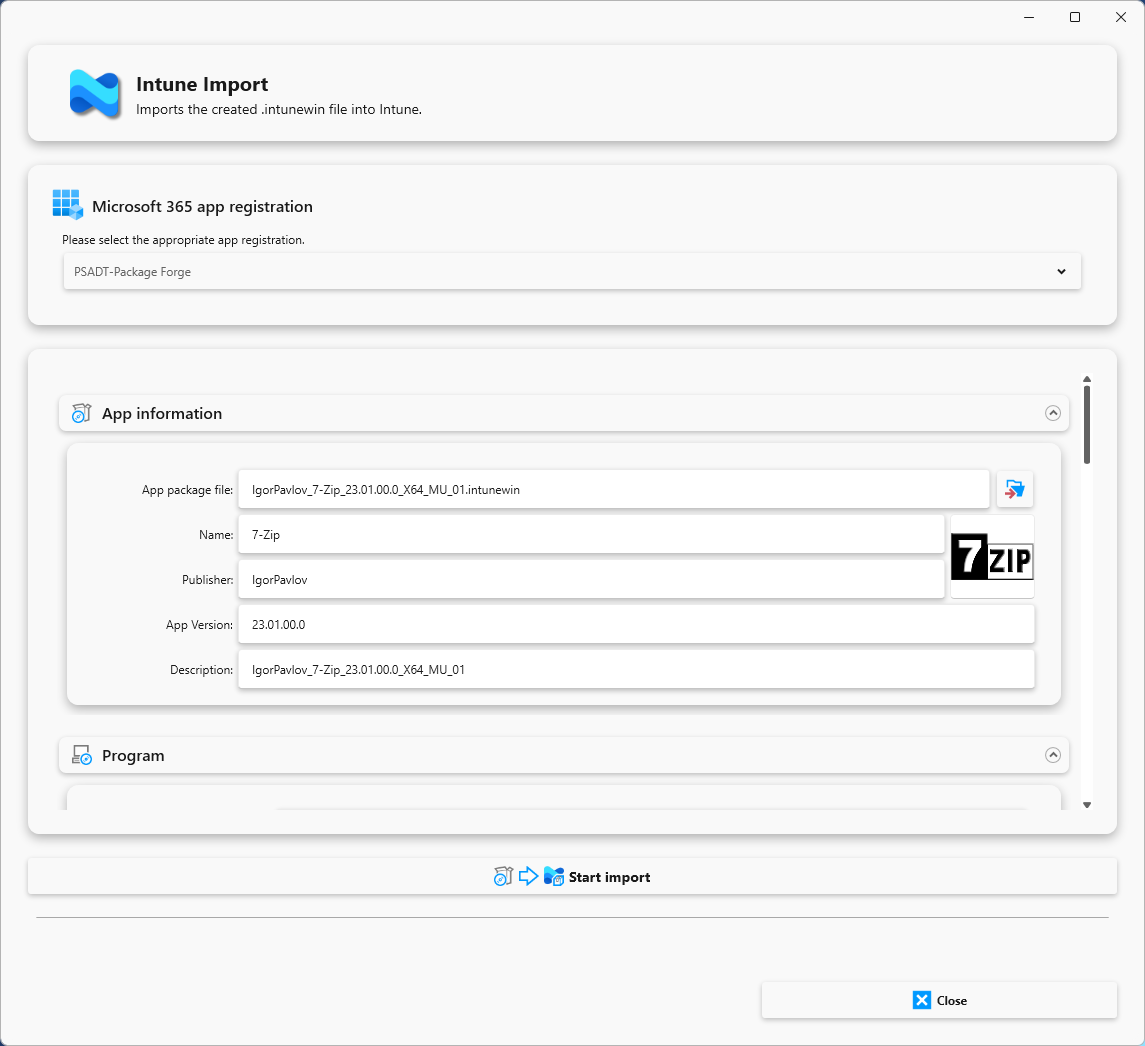
The generated software packages can be converted into Intune packages at the touch of a button and then imported directly into Intune.

Definitive Media Library (DML)
The software packages can be easily integrated into the DML structure.

Tools
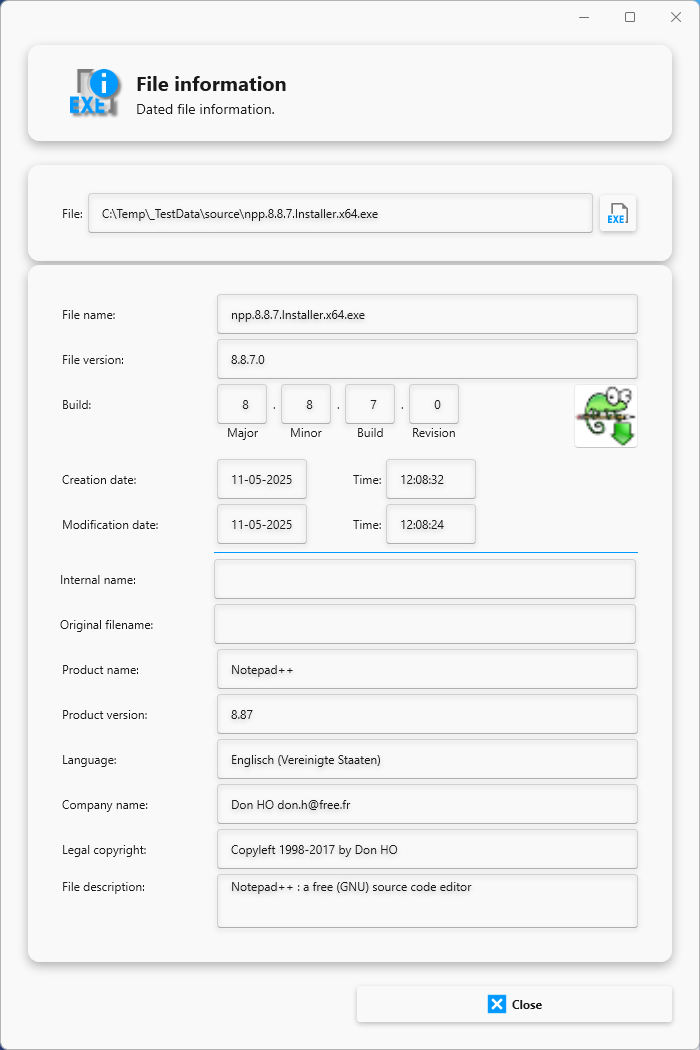
Other useful tools such as File Info,
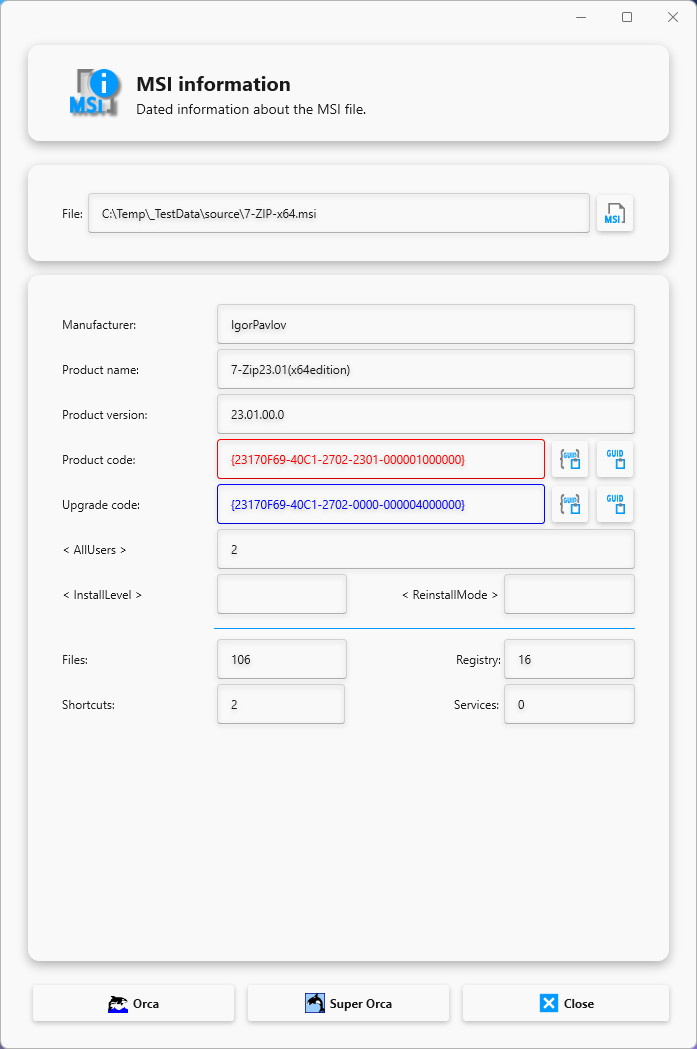
MSI Info, and an icon library are available.
Script Editor
Script Editor
The integrated script editor provides a modern, powerful working environment for creating and editing PSADT PowerShell scripts. Thanks to syntax highlighting, code completion, and intelligent IntelliSense support, scripts can be developed much faster. Errors are detected early on, functions are clearly suggested, and complex structures are automatically formatted. This makes the editor suitable for both beginners who need intuitive assistance and experienced developers who want to work efficiently and in a structured manner.
Command Browser
The Command Browser provides a comprehensive and clearly structured catalog of all available PSADT PowerShell functions. Each function is accompanied by a precise description, typical usage scenarios, and practical code examples. Thanks to powerful search and filter options, the required commands can be found quickly.
The catalog is automatically generated based on the PSADT version, so that only the commands that are actually available in the current version are displayed. This ensures reliable, consistent, and version-compliant use of the entire PSADT framework.
Command Browser
Detection Rules
Detection Rules
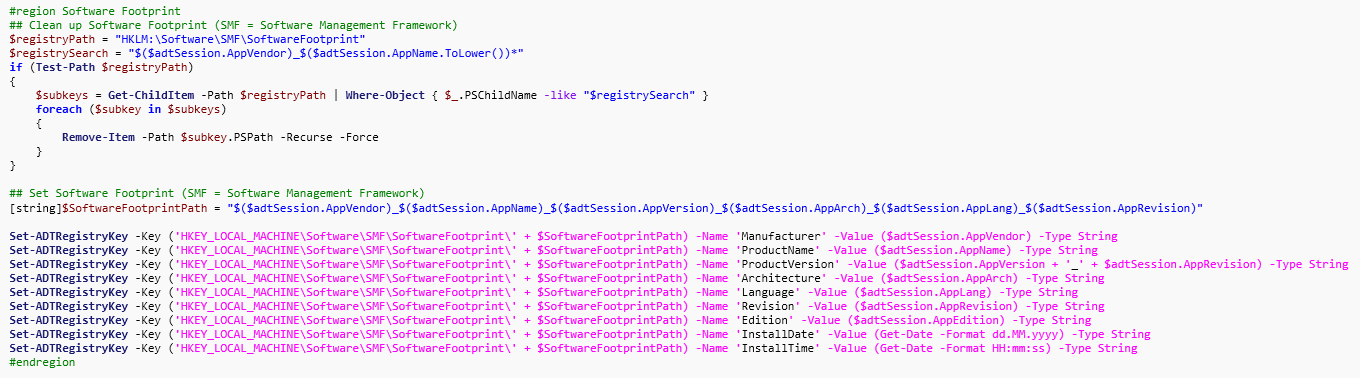
During package creation, a detailed software footprint is automatically generated, which serves as the basis for reliable detection rules. These rules help Intune or other deployment systems check whether an application is already installed or needs to be updated. The automated approach ensures that packages are not only installed correctly, but also reliably detected—a crucial factor for successful rollouts.
Package Wizard
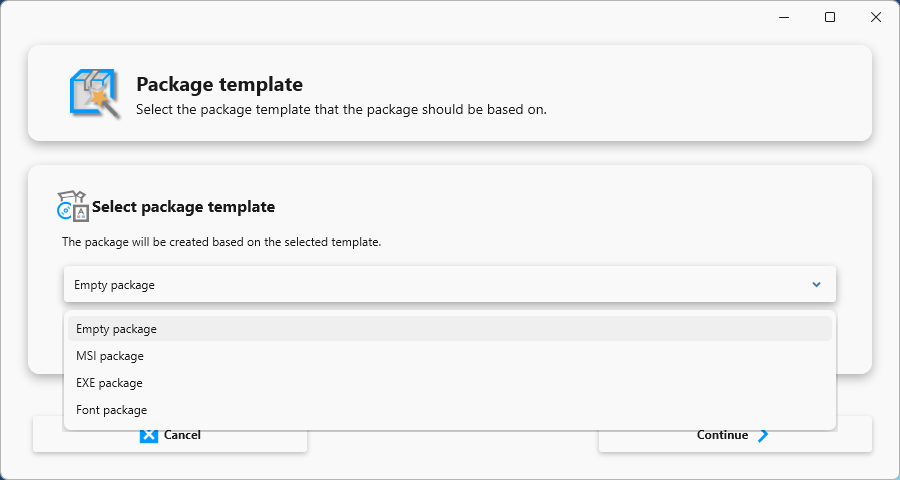
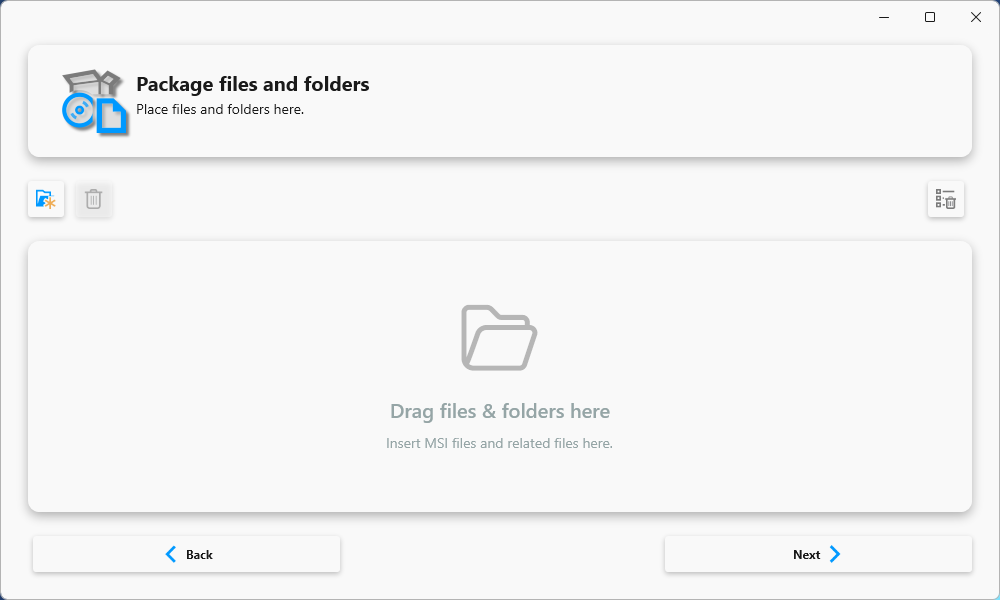
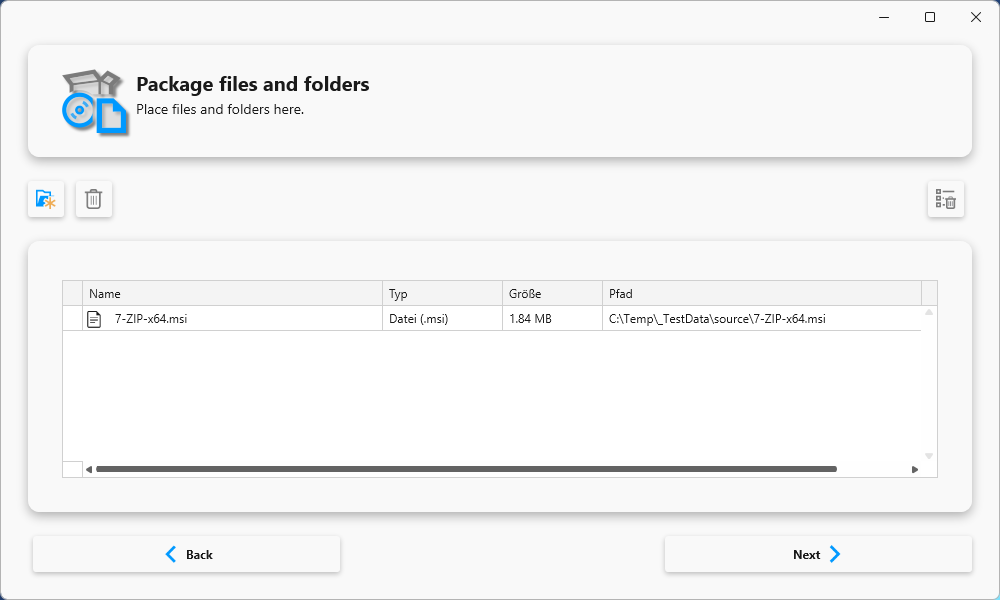
The Package Wizard guides you step by step through the entire package creation process. From selecting the installation files to defining parameters and actions to final script generation, each step is clearly structured and easy to follow. Automated validations ensure that all necessary information is correct. This means that even complex packages can be created without in-depth PSADT knowledge, while advanced users benefit from enormous time savings.
Intune Import
Intune integration
Integrated Intune support makes it possible to transfer finished software packages into modern deployment processes with minimal effort. With just a few clicks, a package is automatically converted to an Intune-compatible format and can then be imported directly into Microsoft Intune without additional tools or manual intermediate steps. This significantly reduces the amount of work involved and reliably avoids typical errors that could occur during manual conversion.
Definitive Media Library (DML)
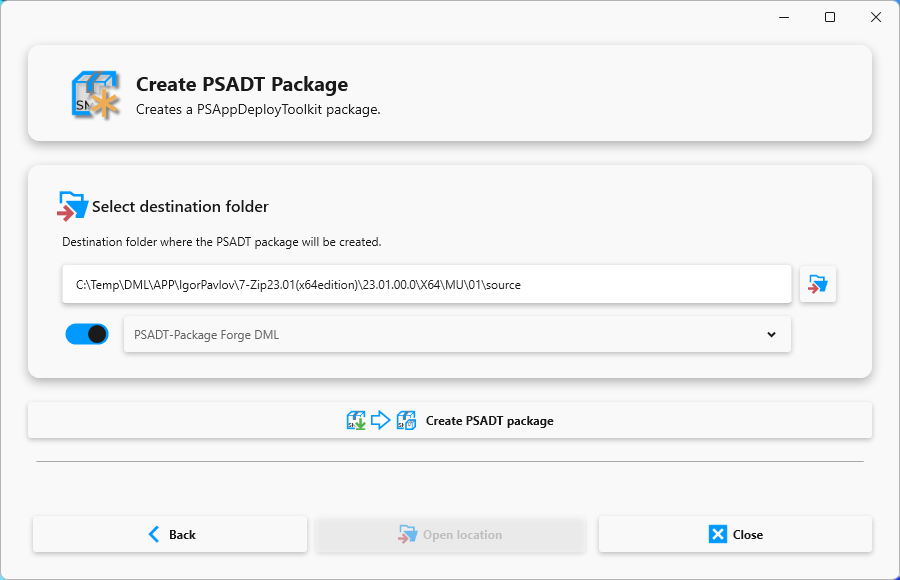
Software packages can be seamlessly integrated into the existing DML structure, ensuring a uniform and traceable structure for all software packages. On request, the wizard automatically creates the necessary folder structures and copies the required files. This creates a clear separation between sources and productive packages, which significantly simplifies the long-term management of extensive software libraries and ensures greater clarity.
Tools
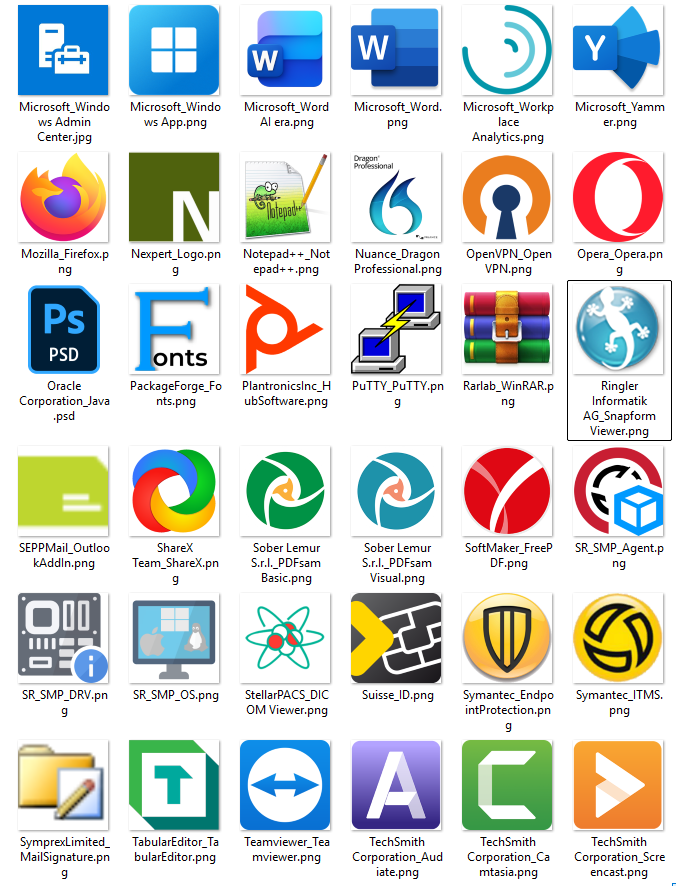
The integrated additional tools significantly expand the range of functions and simplify many everyday tasks. With File Info, you can read file properties in no time at all or extract suitable icons directly. MSI Info provides comprehensive insights into MSI packages, including product keys, properties, and contained components. This is complemented by an extensive icon library that provides ready-to-use symbols for software packages, documentation, or Intune entries. In many cases, these tools eliminate the need for external tools, making the workflow more efficient and clearer.